Manage Every Field Service
from Request to Payment.
25%
AVERAGE REDUCTION IN CRITICAL SERVICE COSTS
Reported across multiple business units in an E&P operator case study. Customer-specific results; outcomes vary.
500 Hours
SAVED ANNUALLY, APPROXIMATELY
High Plains Transport reduced manual entry using the QuickBooks Upload available with OFS Max. Customer-specific results; outcomes vary.
250+
FIELD SERVICES SUPPORTED
Connect workflows for water and crude hauling, hourly crews, chemicals, inventory and more on one platform.
One Platform. Every Step.
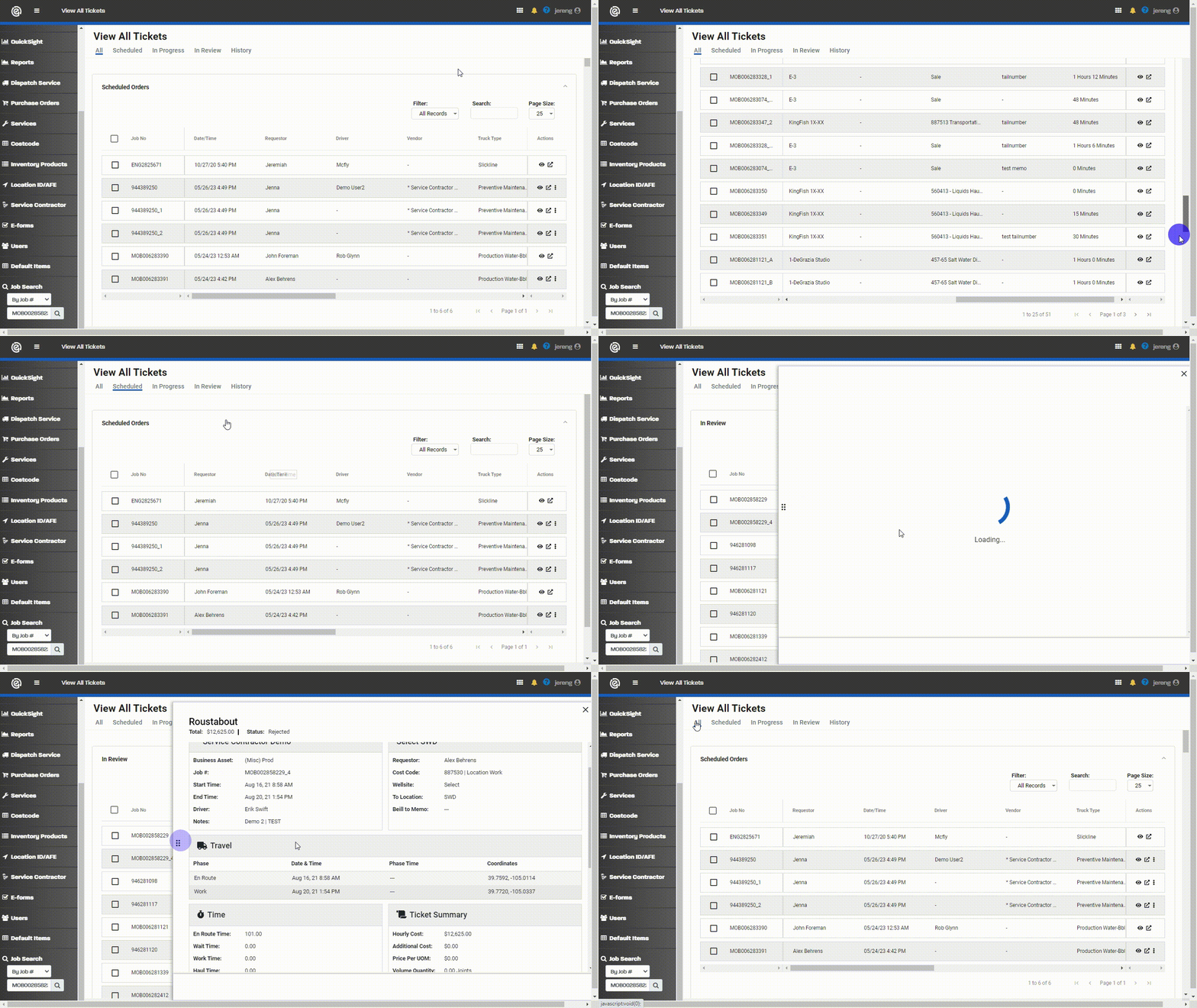
Follow a field service from the initial request to validated activity, invoicing and operational insight. Select a step to explore the connected workflow.
Eliminate Paper Ticketing
View E-Ticketing

Boost Financial Process Efficiency
View E-Invoicing

Oilfield Services (OFS)
View OFS Solutions
Streamline Field Workflows
View E-Forms
Inventory Optimization
View Inventory Tracking

Seamless Integration
View Integrations

01 / START WITH THE WORK
Make the request clear from the start.
Create a digital order for the service and location that need attention. Connect operators and service providers without relying on disconnected calls and paper requests.
Connected information: Service, location and job requirements.
Next: Assign the work to the right field team.
02 / COORDINATE RESOURCES
Turn planned work into an assigned job.
Service providers accept orders and assign jobs to their teams. For supported recurring workflows, SCADA data can inform predictive scheduling at the right time and location.
Connected information: Assigned resources, service location and job status.
Next: Capture what happens in the field.
03 / CAPTURE FIELD ACTIVITY
Keep the work moving, online or offline.
Field teams use the mobile app to start and manage jobs. GPS and geofencing help capture locations, timestamps and activity, while offline operation supports work beyond reliable connectivity.
Connected information: Field activity, locations, timestamps and job details.
Next: Check the recorded work against your business rules.
04 / CHECK BEFORE APPROVAL
Use field evidence, not guesswork.
Apply configured business rules, price books and field data to ticket review. Automated approvals and rejections help teams focus on exceptions rather than manually checking every transaction.
Connected information: Ticket details, contract criteria and validation results.
Next: Carry reviewed information into the digital ticket workflow.
05 / DOCUMENT THE TRANSACTION
Keep the record connected to the work.
Capture and review electronic field tickets in the same workflow as the job. Give operators and service providers shared visibility instead of chasing paper and re-entering completed work.
Connected information: Service details, field records and ticket approval status.
Next: Move approved ticket data into invoicing and accounting workflows.
06 / CONNECT OPERATIONS AND FINANCE
Take validated work into invoice review.
Connect E-Ticketing with E-Invoicing to reduce duplicate entry, streamline invoice review and support approvals against preconfigured criteria. Integration options connect field and financial systems.
Connected information: Validated tickets, invoice data, approval status and expenses.
Next: Use the connected data to understand costs and performance.
07 / IMPROVE THE NEXT JOB
See performance across the workflow.
Use dashboards and validated field data to review activity, costs and accruals. Identify opportunities to improve efficiency and focus attention where operational or financial exceptions need review.
Connected information: Field activity, service costs, trends and financial visibility.
The loop continues: Apply those insights to future planning and dispatch.
Don't Just Digitize. Automate.
Turn field data into coordinated action, with automated validation, SCADA-informed scheduling and connected financial workflows.
Validate Field Activity
Combine GPS and geofencing with ticket validation to check field activity and automate approvals or rejections against contract criteria.
Schedule Predictively
Use SCADA data to help schedule recurring hauling work at the right time and location, improving load planning and reducing manual coordination.
Connect Your Systems
Move field and invoice data into accounting and other business systems through Engage's REST API and integration partners, including NextGen and Unit 3 Tec.
OPERATIONS + FINANCE
The Job Is Only Part of the Story.
Connect what happened in the field with the teams reviewing invoices and managing spend. Keep validated information moving instead of re-entering it.
Review with context.
Carry field-ticket details into invoicing and apply configured approval criteria. Give reviewers the information they need to address exceptions.
See spend sooner.
Use near real-time expense and accrual visibility to understand costs before the books close, rather than waiting for paper tickets to arrive.
Connect existing systems.
Use Engage's REST API and integration partners, including NextGen and Unit 3 Tec, to connect field and accounting workflows. Confirm the right integration approach for your systems during a demo.
Estimate Your Annual Savings
Explore potential savings based on your annual field-service spend. This calculator provides an illustrative estimate, not a guarantee. Actual results depend on your workflows, service mix and implementation.
Annual Savings
Customer Results. Not Just Features.
See how connected field operations help teams reduce manual work and improve visibility. Customer experiences and results vary by workflow and implementation.
“Engage Mobilize has helped significantly reduce workload on our lease operators to schedule and track orders with our crude and water haulers. We are excited for the next step to automate the scheduling of loads through Engage Mobilize’s predictive dispatch, which will further streamline our digital order to ticket workflow.”
- Production Superintendent
High Plains Transport
“The information is current and accurate, and dispatch doesn’t have to call the driver. This saves both the driver and dispatch time and ensures that the driver can focus on the current job without having to stop and field incoming distractions or phone calls.”
— High Plains Transport Team
In its published case study, High Plains reported approximately 500 hours saved annually using the QuickBooks Upload available with OFS Max.
“Before Engage Mobilize we had multiple vendors showing up at the same location to complete the same work. This meant we were billed twice for the same job sometimes. Being billed twice leads to a loss in revenue for the company and its investors.”
- Production Manager
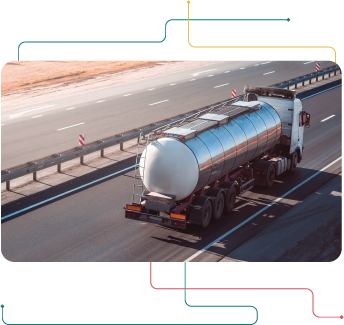
Coordinate Water Hauling.
Connect hauling requests, dispatch, field activity and tickets for produced water and flowback.
Keep Crew Activity Visible.
Track field-crew locations and time on site. Replace paper tickets and manual reporting with a connected digital workflow.

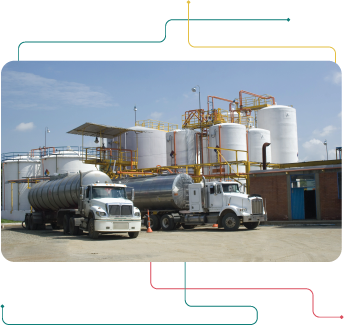
Connect Crude-Hauling Operations.
Coordinate field activity and capture digital tickets so operators and service providers can work from shared information.
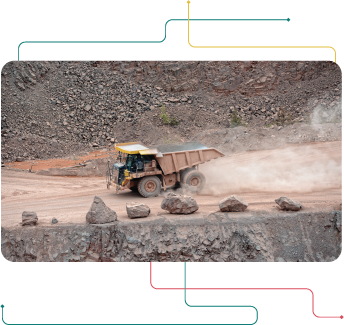
Coordinate Sand Deliveries.
Digitally coordinate sand services from the mine or terminal to the frac stage, with visibility into inventory and delivery status.
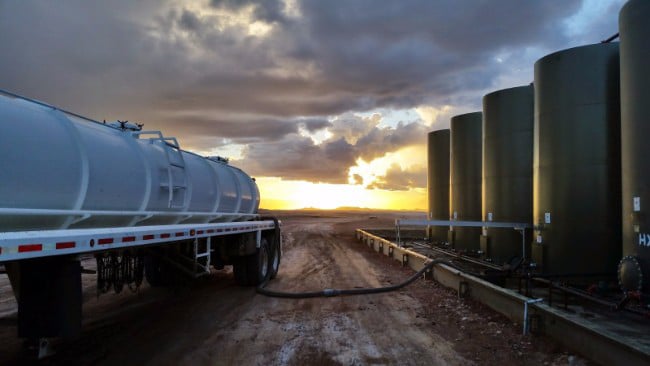
Track Chemicals and Inventory.
Connect deliveries, transfers and on-hand inventory with field activity. Use inventory visibility to support reordering and financial workflows.

Find Your Field-Service Workflow.
Engage supports more than 250 service types, from fuel logistics to workovers and snow removal. Start a conversation about the workflows your team needs to connect.
One connected process: Request, dispatch, field activity, validation, tickets and invoicing.

Built for Your Industry.
Explore connected field-service workflows for operators and service providers, from oil & gas to other field-intensive industries.
Customer Results. Practical Insights.
See how teams use Engage, explore field-operations insights and catch up on company news.
Blog Articles
Practical perspectives on field operations, automation, digital ticketing and financial workflows.
Customer Case Studies
See how operators and service providers use Engage to improve productivity, reduce costs and connect field activity with financial control.
News & Events
Follow Engage Mobilize company news, product announcements and industry events.
START WITH YOUR WORKFLOW
Where is manual work slowing you down?
Bring a service workflow you want to improve. Explore how dispatch, field activity, validation and invoicing connect in Engage.
Operations: Coordinate the work and see field activity.
Finance: Connect approved tickets, invoices and cost visibility.
Technology: Discuss your data sources and integration requirements.
See Engage in Action.
Tell us about your field operations. See how Engage can connect your workflows from request to payment.
Request a demo with our team.
Call (720) 575-6695 or email Sales@engage-m.com.